How to spot a bad Roblox update from your Discord on day one
Every Roblox update follows the same opening shape. The patch goes live. Praise messages spike for an hour, complaints spike for two, then both pull back. Within 24 hours you should know whether the update landed, needs a tweak, or needs a rollback. Most studios don't actually know — they wait three days, then read post-mortem threads on the DevForum and try to reconstruct what their own community already told them in real time.
Your Discord has the answer on day one. This piece is the playbook for reading it fast and acting before the discussion goes cold.
The 48-hour curve every Roblox update has
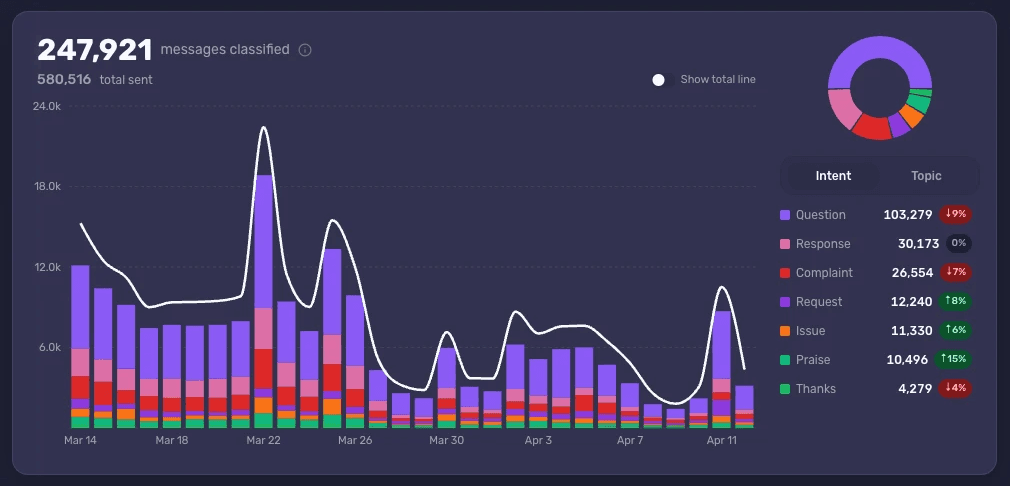
A healthy update curve looks like this: praise jumps in the first hour as the engaged community plays the new content. Complaints climb soon after as edge cases surface. Both relax inside 48 hours. The praise-to-complaint ratio ends the week net positive.
A bad update breaks the curve in one of three ways. Complaints don't decay — they keep rising past day three. A specific Topic (a new boss, a shop change, a balance tweak) becomes the dominant conversation across the server and won't quiet. Or the leavers cohort spikes silently while message volume looks normal.
Each of these signals is visible in your Discord within 24 hours. The trick is that you have to be looking at the right cuts of the data, and you have to set the cuts up before you ship — not after.
Set the update up before you ship
This is where Accord's Research Studies feature changes the workflow.
Studies let you define an update as a first-class thing in Accord, before it goes live. You point it at the dev notes you've already written, and Accord picks up the themes that are most likely to be discussed — the new boss, the rework to a shop, the balance change to a specific weapon. That preparation step matters because by the time the patch is live, your team is busy. Setting up filters under pressure is how you miss things.
Once the update ships, the Study becomes a single share-preserving view of how the community is reacting. The producer can open it. The community lead can open it. The CEO can open it. Everyone is looking at the same thing instead of asking the CM to translate.
The product framing here is straightforward: define the update once, watch the community react against the themes you predicted, and surface the themes you didn't predict alongside.
Read sentiment in the first 24 hours
Three things to watch in the opening day:
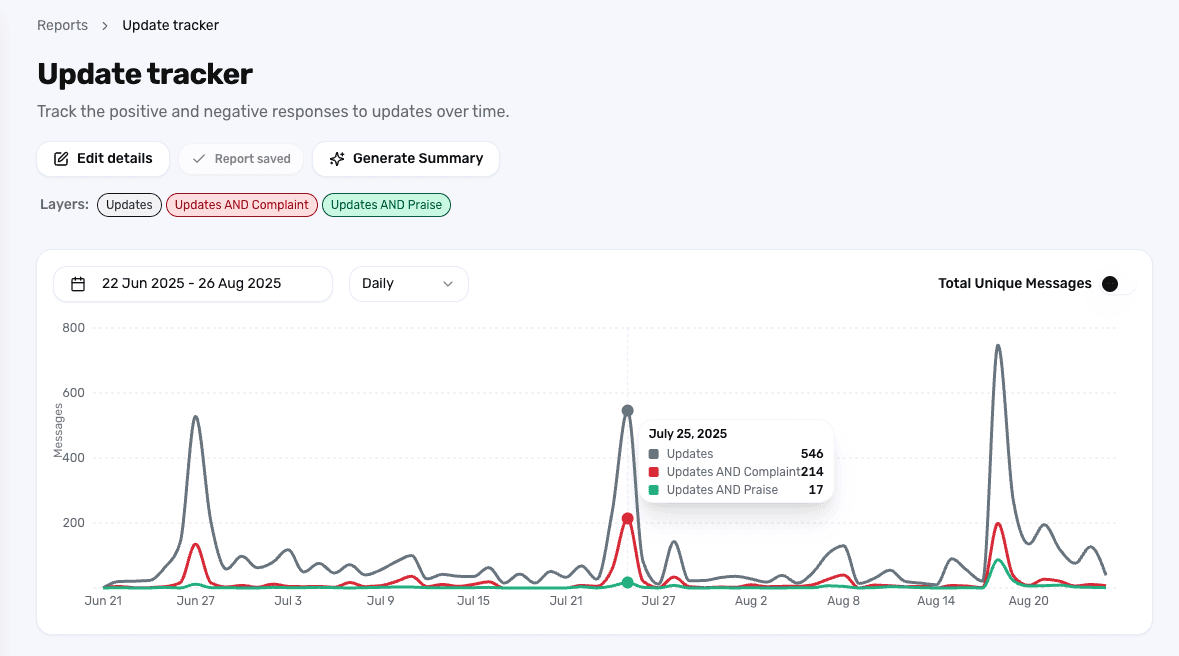
Praise vs. complaint ratio on the update's main Topic. If the new boss is the Topic, you want to see Praise and Thanks holding their share against Complaint and Issue. A flip happens fast and is the clearest red flag.
New Mentions appearing in complaint context. A specific item or feature suddenly being mentioned heavily inside Complaint-classified messages is the leading indicator of a balance problem.
Update-themed messages crossing into off-topic channels. When the patch is generating enough heat that players are complaining in #off-topic and #memes, the conversation is no longer contained.
Studies give you all three on one page. You don't need to build the report after the fact — the Study is already running.
Watch leavers and joiners, not just message volume
Roblox studios obsess over message volume on update day. Volume is the wrong metric. A quiet server during an update is often worse than a loud one — it means your most engaged players didn't show up.
Look at two cohorts instead.
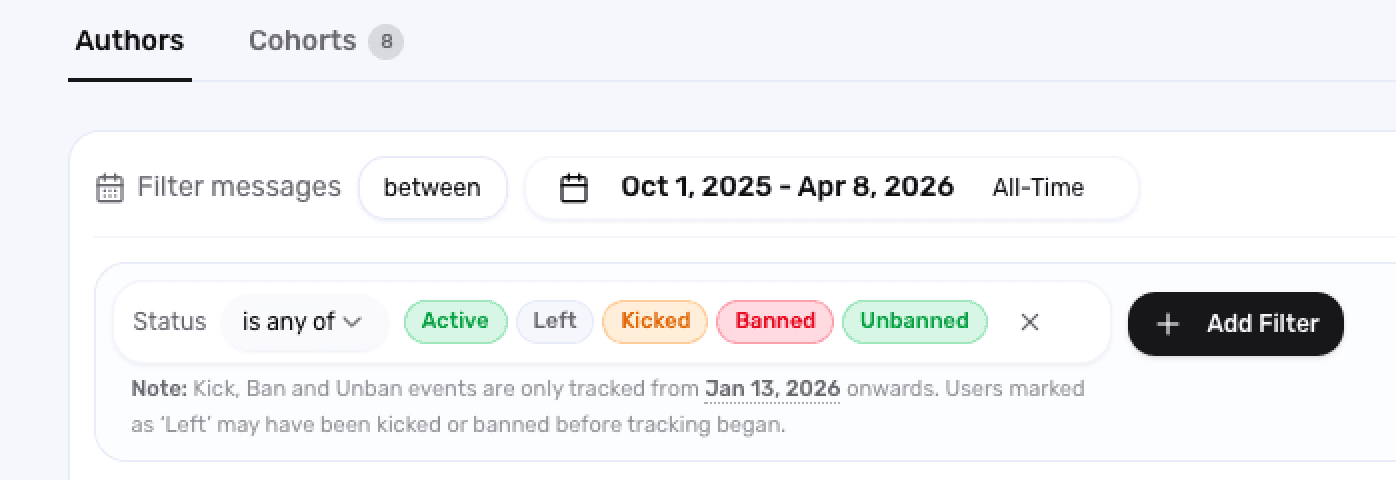
The leavers cohort is the set of accounts that left your server in the 48 hours after the update. If that group is materially larger than your usual baseline, the patch hit something that was load-bearing for community confidence. The Studies view surfaces who left, what they were saying in their last week, and which Topics they were active in.
The joiners cohort is the inverse: who showed up after the update. Some updates pull in returning players or new attention. If the joiners are mostly accounts created today and posting once, that's a different story from longtime players coming back to check it out. Cohort filters separate the two cleanly.
A bad update often has both: leavers up, joiners shallow. A good update has joiners deepening into active participation and leavers flat.
Tight insights, not vague vibes
The output of Studies is supposed to be actionable, not impressionistic. Two cuts to bring to your team's standup the morning after a launch:
One specific, fixable issue. A Mention-driven complaint on a single item or boss, with quotes and message links attached. This is the candidate for a same-week hotfix.
One macro reading. Where the update sits on the curve relative to your last three. Is the praise-to-complaint ratio better or worse? Is the leavers cohort larger? Use a saved Report comparing reactions across updates to anchor this.
Two findings beat ten. The producer doesn't need a list of everything players said — they need the one thing to fix and the one thing to track.
What this gets you
A studio that runs this loop knows whether an update landed by lunch the day after launch. They can ship a hotfix the same week if needed. They can also defend a controversial change to leadership with veteran-cohort data showing the loud objections aren't the whole picture.
The studios that don't run this loop are reading post-mortem threads on the DevForum a week late, trying to reverse-engineer the same answer. The Discord told them on day one. They just weren't reading it.
See what Accord surfaces about your next Roblox update — book a demo.